From inspiration to iteration: where ML actually fits
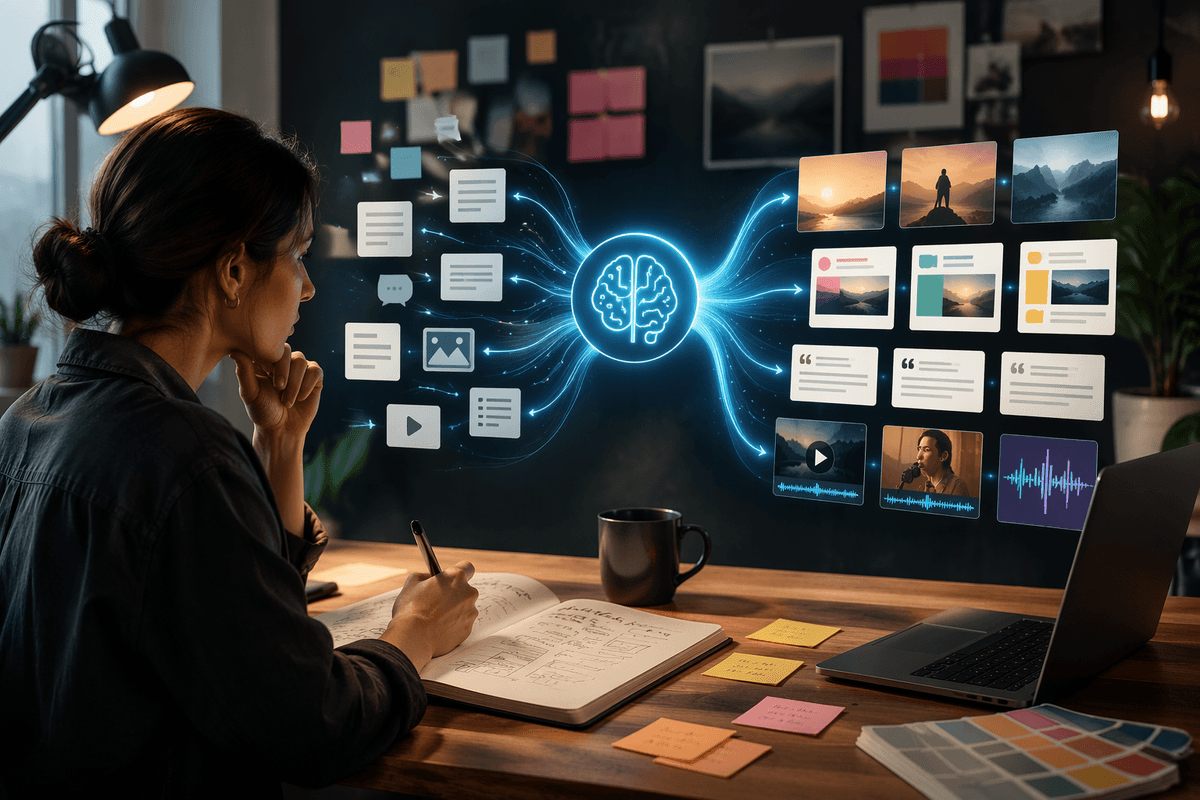
You already know the feeling: the brief is clear, the deadline is close, and the work stalls because you need options—headlines, compositions, cuts, hooks, moods—before you can pick a direction. Machine learning fits best in that messy middle where you’re generating, sorting, and refining many small decisions, not in the moment where taste and intent get set.
Think of it as a fast draft partner and an aggressive assistant editor. It can produce rough variants, rephrase, expand, compress, label, summarize, compare tones, and help you keep a large set of assets organized. The value shows up when you treat outputs as material to shape, not as “final.”
The practical constraint is time spent steering: prompts, references, and review. If you don’t budget for that, you’ll trade making for babysitting—and quality will drift instead of improve.
What “machine learning” can and can’t do for creativity
You’ll notice ML is strongest when the task has a clear surface pattern: “give me 20 headline angles,” “tighten this paragraph without changing meaning,” “extract a shot list from this script,” “tag these images by subject and mood.” It can also help with personalization at scale—adapting copy lengths, formats, and calls to action for different channels—so long as you define the boundaries and review the results.
Where it breaks down is where your work depends on lived context, brand history, and judgment calls that aren’t written anywhere. It can mimic a style, but it doesn’t reliably know which rules you bend on purpose. It can propose concepts, but it can’t tell you which ones are strategically risky, culturally off, or simply not “you.”
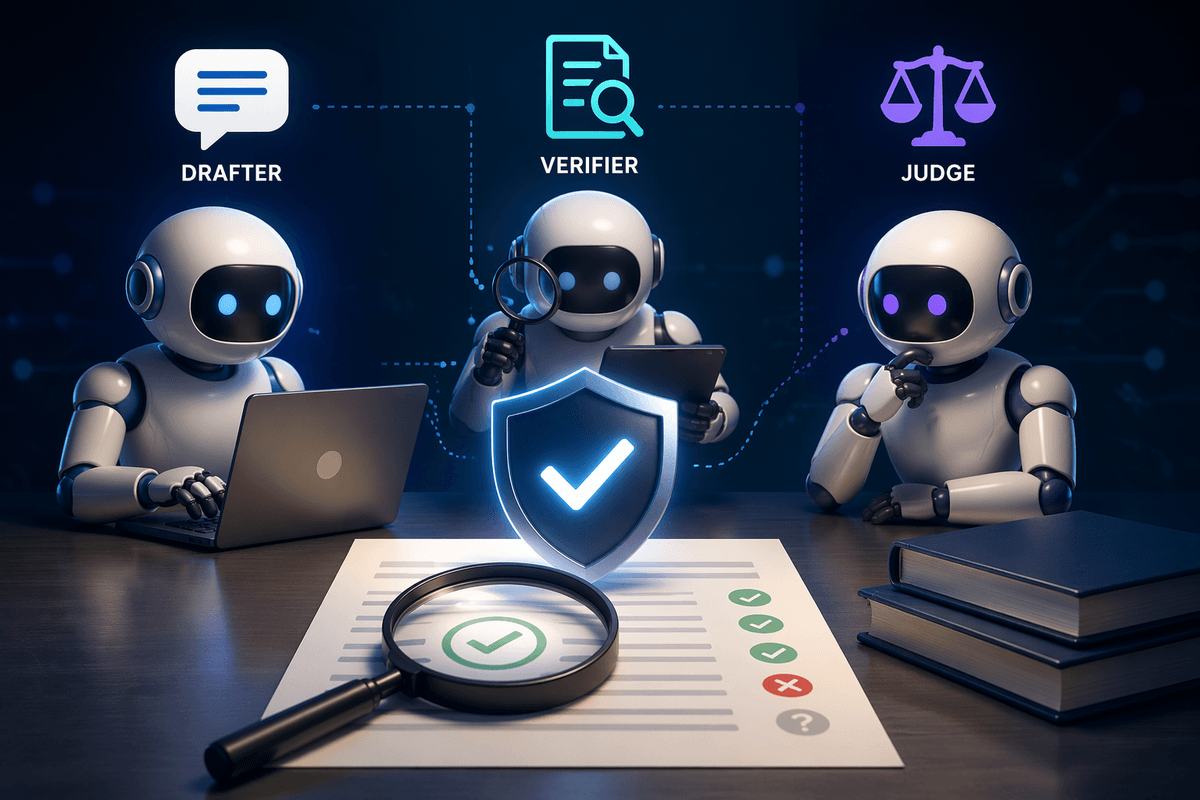
The safest mindset is “generator plus checker”: use it to create breadth, then apply your taste to set the direction, and your process to verify facts, claims, and rights before anything ships.
Spot the best insertion points in your current workflow
Picture a normal week: you’re bouncing between a kickoff doc, half-finished drafts, stakeholder notes, and a folder that’s already too big to search. The highest-leverage places for ML are the moments you’re doing repetitive shaping work—turning one input into many usable options, or turning many messy inputs into a clean decision.
Look for “volume” tasks first. Early on, that might be quick concept lists, alternate hooks, subject lines, thumbnail comps, or a dozen VO reads for the same script beat. Midstream, it’s tightening, restructuring, translating tone across channels, or generating variations that keep the core message intact. Late-stage, it’s QA support: consistency checks (names, claims, formatting), caption and metadata generation, basic accessibility passes, and asset tagging so teams can actually find what they made.
If no one is responsible for review, versioning, and what gets reused, ML can quietly multiply near-duplicates and contradictions—saving minutes while creating hours of cleanup.
Choosing tools: general models vs specialized creative apps

You’ll usually face a simple choice: a general model that can handle almost anything, or a specialized creative app built for one lane like layout, video, audio cleanup, or ad production. General models shine when the job is mixed—brainstorming, rewriting, summarizing research, generating lists, or turning scattered notes into a brief. They’re also easier to adapt to your internal language, because you can feed brand voice notes, examples, and constraints in one place.
Specialized apps earn their keep when the output must drop directly into production. They tend to have the controls you actually need: timeline-aware edits, layer handling, typography rules, export settings, version history, and collaboration features that match how teams work. They may also package guardrails like locked templates, brand kits, and built-in review flows, which reduces “almost right” outputs.
Specialized tools can pile on subscriptions and make it harder to move assets or prompts elsewhere. General tools can be cheaper and more flexible, but you’ll spend more time building a repeatable process around them.
Control and consistency: prompts, references, and style systems
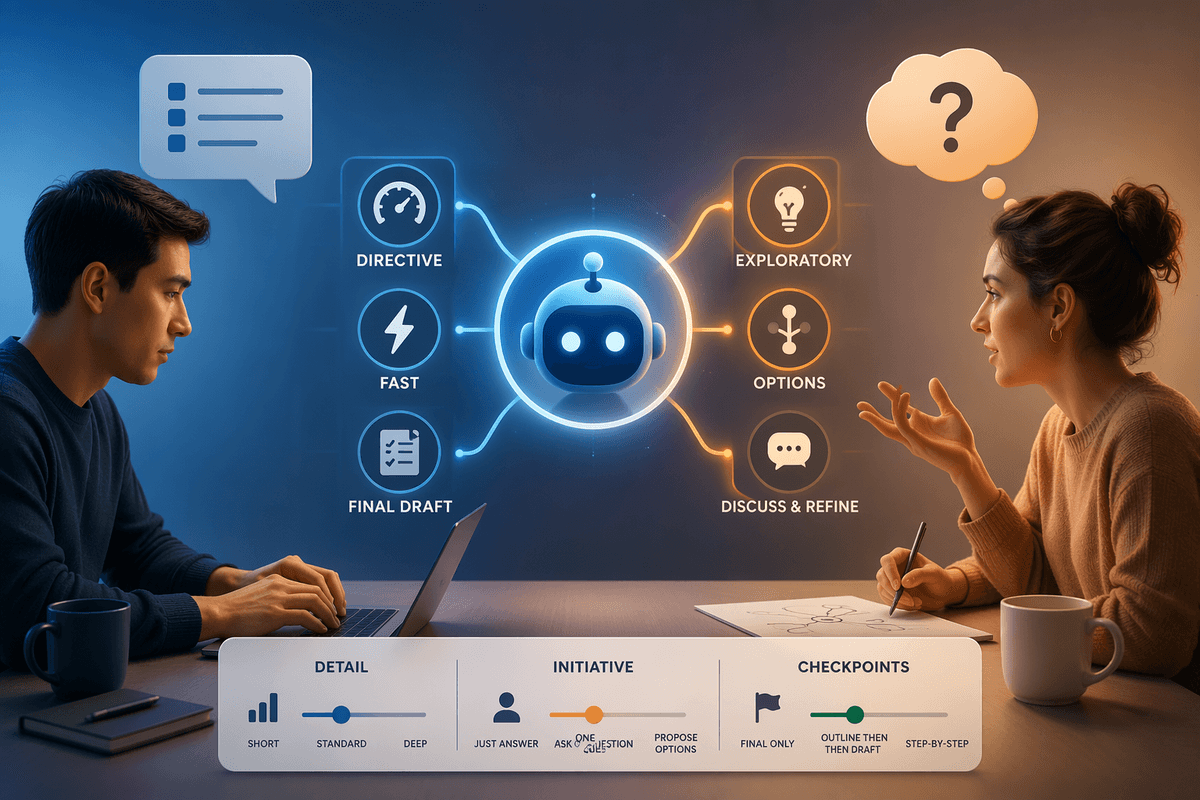
You’ve probably seen the same prompt produce two very different results on two different days, or across two teammates. Consistency comes from treating prompts like production assets: version them, annotate what worked, and keep a small library for recurring tasks (headline variants, product descriptions, tone shifts, cutdown scripts). A useful prompt is less “be creative” and more “use this structure, avoid these claims, keep to this reading level, and match these examples.”
References do more than “inspire.” Give the model a few approved samples (past campaigns, a flagship article, a hero video transcript) and call out what matters: pacing, sentence length, vocabulary, and what never appears. For visual work, pin down subject, composition, and brand colors with explicit notes, not just an image.
Style systems are where teams stop arguing and start shipping. Build a lightweight “voice and rules” sheet plus a checklist: banned phrases, required disclaimers, naming conventions, and how to cite sources. The cost is upfront time and ongoing maintenance, but it prevents slow drift and one-off outputs that can’t be reused.
Rights, ethics, and trust when ML touches your work

You can have a clean prompt library and still get burned if you treat ML output as “free.” Rights and trust start with knowing what you’re putting into a tool and what you’re taking out. If you paste unreleased product details, client decks, or identifiable customer data into a public service, you may be handing it to a vendor you didn’t vet. Set a simple policy: what can be entered, what must be redacted, and which tools are approved for sensitive work.
On the output side, assume you still own the responsibility. Generated text can echo phrases it has seen before; generated images can drift toward recognizable styles or brand marks. Run the same checks you’d run on human work: plagiarism scanning for copy, trademark and likeness review for visuals, and a final “claims and sources” pass for anything factual.
Decide when you’ll label AI-assisted work internally, how you’ll document sources and references, and who signs off. The practical cost is slower approvals at first, but the payoff is fewer surprises with clients, legal, and your audience.
A sustainable ML-enhanced workflow you can start this week
Most teams get value fastest by choosing one repeatable use case and tightening it before expanding. Pick a weekly “high volume” task—social cutdowns, product descriptions, pitch-deck rewrites, alt headlines—and set a 30–45 minute block to run it the same way every time: input pack (brief + examples), a saved prompt, and a clear definition of “done.”
Build a small loop: generate 10–20 options, select 2–3, then revise by hand and run a final check pass (claims, tone, rights flags, accessibility basics). Track what you changed, not just what you liked, so your prompt library improves. The constraint is discipline: without a shared folder, naming rules, and one owner for reviews, the process will sprawl and the time savings will disappear.