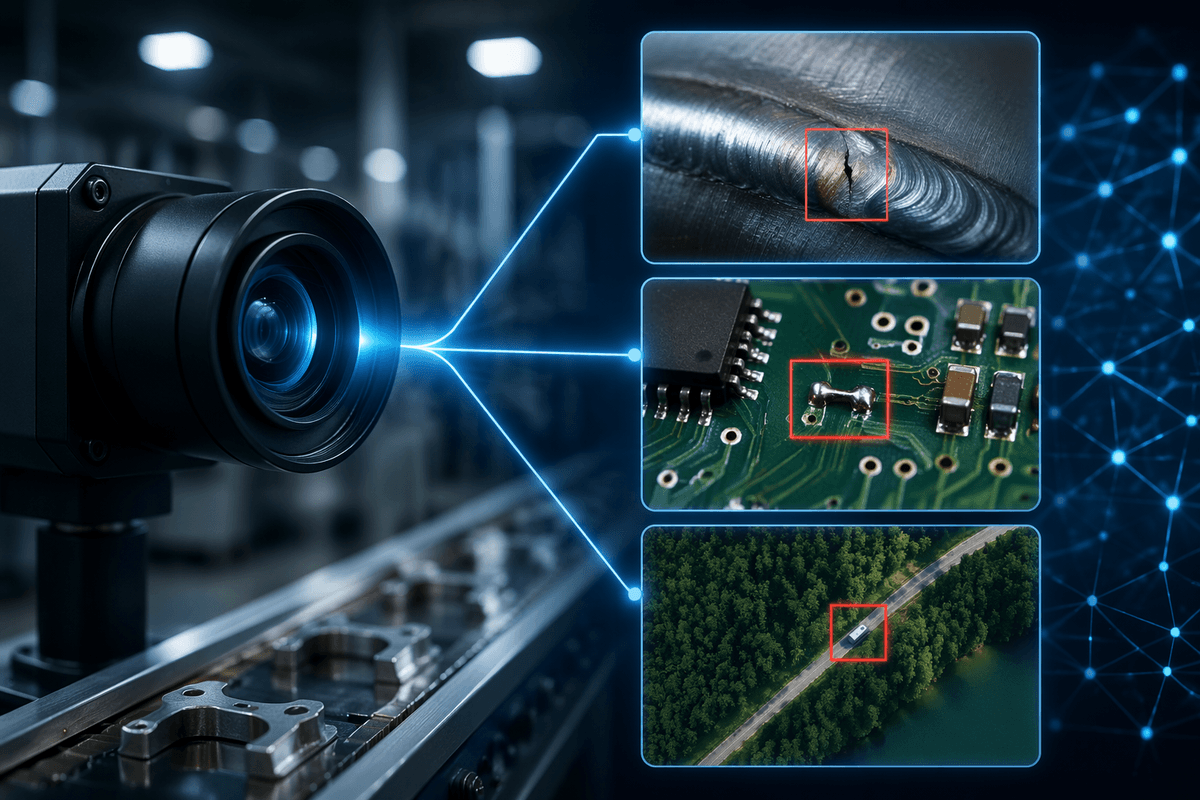
Why traditional mocap still feels out of reach
You can watch a behind-the-scenes clip and think, “We could do that,” until you price out the room, the crew, and the time. Traditional optical mocap tends to assume a dedicated volume, calibrated cameras, controlled lighting, and a performer workflow that doesn’t look much like a normal shoot day. Even when you can rent a stage, you’re paying for setup and troubleshooting as much as capture.
Inertial suits lower the space requirements, but they introduce their own friction: fit, drift, magnetic interference, and the reality that fingers, props, and close-contact action often need extra solutions. The result is that “getting motion” isn’t the hard part—getting motion you can trust, on your schedule, in your pipeline, is where costs and complexity pile up.
What “new” means: markerless, AI, and hybrid rigs
You’ve probably seen “AI mocap” used as a catch-all, but the practical shift is simpler: more of the tracking is happening in software, with fewer dedicated sensors. Markerless systems start with regular video (one camera or many) and estimate a body skeleton by detecting joints and solving a 3D pose over time. The “AI” part is mostly learned pose priors and temporal smoothing that help fill gaps when a leg disappears behind a prop or the actor turns away.
Hybrid rigs are where things get interesting: video provides global position and contact clues, while a few wearables (IMUs, gloves, or a head tracker) stabilize what video struggles with—fast spins, occlusion, and fine hand intent. The trade-off is you’re swapping calibration-heavy stages for compute, cleanup time, and limits on what the model can infer from your footage, especially with loose clothing, low light, or heavy interaction.
Start with your shots, not the hardware list
The fastest way to waste money in mocap is to start with a shopping list instead of a shot list. Pick 3–5 representative moments from your project and describe them like a mini call sheet: full-body walk-and-talk, floor contact (kneel, fall, get-up), fast turns, two-person interaction, a prop handoff, a close-up that needs believable hands. Those choices determine what “good enough” means and what data you must capture.
If your shots are mostly upright locomotion, markerless or a hybrid setup can be plenty—especially if you’ll stylize or heavily edit. If you need tight hand-to-prop alignment, grappling, or frequent occlusion, plan for more constraints: extra cameras, a cleaner volume, or separate hand/prop solves. The practical cost isn’t just gear; it’s reshoots and cleanup time when a tool fails on the exact moments your scene depends on.
Quality tradeoffs you’ll actually notice in animation
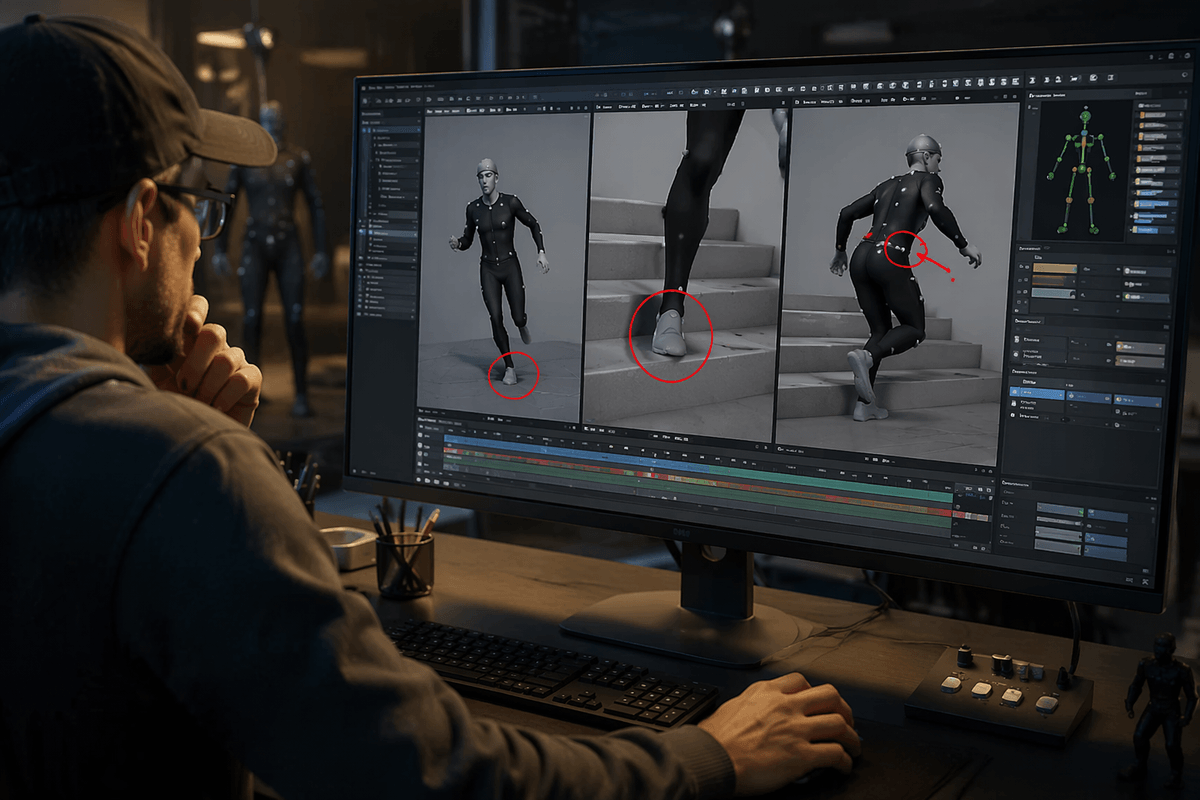
You’ll notice quality differences less in a “looks real” way and more in where you spend your cleanup time. Markerless systems often look great in a front-facing demo, then show their weaknesses in foot contact and body orientation: subtle foot-slide, toes that hover on stairs, and hips that “swim” during fast turns. Inertial-heavy setups usually keep timing and overall rhythm, but they can drift in heading over longer takes and struggle when performers touch, roll, or get very close to the floor.
Hands are the fastest reality check. If fingers aren’t captured directly, you’ll get believable arm motion with vague grips, late contacts, and props that don’t quite sit in the palm. Face capture can be solid, but only if your lensing, light, and performer framing stay consistent; otherwise you’ll see jitter in brows and mouth corners. The cheaper capture can cost you days of fixing feet, contacts, and hand poses in animation.
Your capture environment is half the system
Most motion-capture problems are introduced during filming, not during cleanup. Poor camera placement, uneven lighting, and floors that are difficult for tracking software to interpret all reduce capture quality before the data ever reaches an animation package. Markerless systems perform best with stable exposure, limited motion blur, and a performer who remains clearly visible from multiple angles. Flickering practical lights, mirrors, glossy surfaces, and visually busy backgrounds all make limb detection less reliable. On location, simple production choices—controlling the light with flags, locking the shutter speed, and staging movement so the performer stays clear of furniture—often deliver a bigger improvement than adding more processing afterward.
Room layout has just as much influence as camera resolution. Tight spaces usually require wider lenses, which exaggerate perspective near the edges of the frame and introduce distortion that later appears as unstable wrists, drifting feet, or inconsistent limb lengths. Providing enough room for full-body turns without self-occlusion, marking a defined performance area on the floor, and planning entrances and exits to keep the performer away from frame boundaries all make tracking substantially more stable. These adjustments add time during production, but they are generally far less expensive than spending hours repairing retargeted animation—or repeating the entire shoot because foot contacts and body motion no longer align.
Picking a pipeline: from capture to retarget to edit
The first time you get a “good” take, the friction usually shows up after export: the body looks fine in the tracker, then your character’s shoulders collapse, feet drift, or the scale is off in-engine. Treat your pipeline like three separate handoffs—solve, retarget, and edit—because each one can fail independently. Lock basics early: frame rate, world up-axis, units, and whether you’re delivering a clean skeleton animation (FBX) or raw-ish joint data you’ll smooth later.
Retargeting is where hidden assumptions live. A markerless solve might output hip height and proportions that don’t match your rig, so you need a consistent “source skeleton” you reuse across shoots, not a new auto-rig every day. Decide where foot locking and contact cleanup happens: in the solver, in your DCC (Maya/Blender/MotionBuilder), or inside the engine. Splitting responsibility across tools sounds flexible, but it multiplies settings and versions you have to track.
Budget time for the unglamorous layer: naming conventions, T-pose/A-pose alignment, timecode or clap sync, and a repeatable export preset. A cheaper capture method can still be the right choice, but only if you can turn a take into an editable, predictable clip without spending hours rebuilding the same fixes per shot.
A practical way to test before you commit
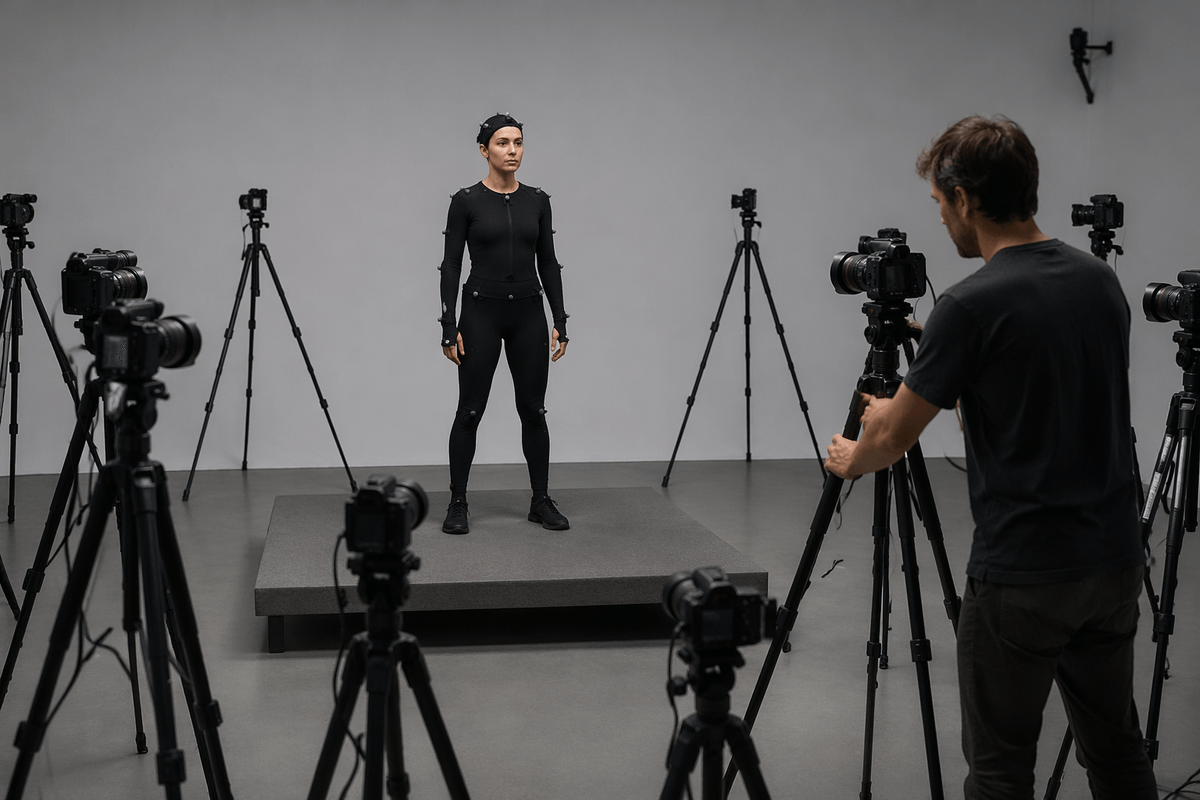
You can learn more in two afternoons of controlled tests than in weeks of watching demos. Book a performer for a short session and run your 3–5 “decision shots” twice: once as a clean, ideal take (good light, clear background, simple wardrobe), then again with the constraints you expect on the real shoot (prop contact, partial occlusion, faster pace). Keep takes short—10 to 20 seconds—so you can iterate on camera placement, exposure, and blocking without drowning in data.
Judge the results where they’ll actually live: on your character rig, in your engine or DCC, with your retarget settings. Track three numbers per shot: minutes to get a usable solve, minutes to retarget cleanly, and minutes of manual cleanup for feet, hands, and contacts. The real cost is rarely the subscription or hardware; it’s the repeatable labor when the same errors show up on every take.
Where motion capture is heading—and what to adopt now
Most teams will end up on a layered setup: video-based body as the default, optional inertial for stability on spins and longer takes, and separate face/hands when the shot actually needs them. The trend isn’t “one system that does everything,” it’s better fusion and better cleanup tools that treat contacts and constraints (feet pinned to floor, hands on props) as first-class problems instead of afterthoughts.
Adopt what reduces repeatable labor. Standardize a source skeleton, lock your fps/axes/scale presets, and build a short contact-fix checklist you run on every clip. Expect tradeoffs: multi-stream capture adds sync points, batteries, and versioned settings. If your schedule can’t absorb that overhead, choose the simplest rig that passes your decision shots and spend the savings on cleanup time.